Boxed captions
Boxed puts captions in sentence case on a dark, slightly see-through box. Words not yet spoken are dimmed, and each one turns full white as it is said. The box keeps captions readable over anything behind them: slides, screen shares, a busy set or a bright window.
Every short ClipsMagic cuts can use Boxed or any of the other three styles.
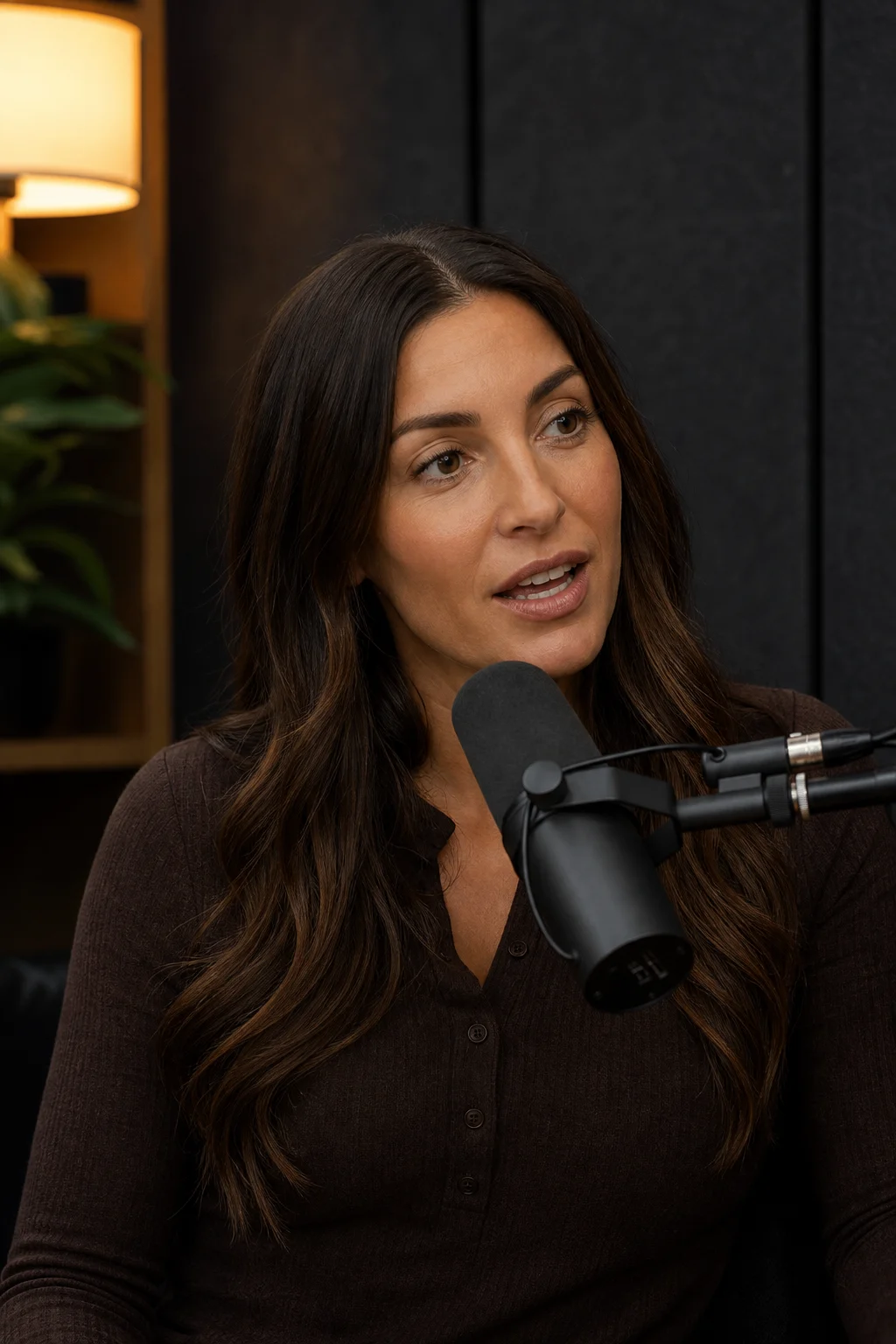
What does Boxed look like?
- Bold sentence case, smaller than the capital styles.
- A dark box at 80% behind the line.
- Words not yet spoken are dimmed; spoken words are full white.
- Sits at the bottom, the middle or the top of the frame.
When should I use Boxed?
Webinars, interviews and anything with a busy background: slides, screen shares, split screens, a set with signs or windows. Sentence case reads like a subtitle, so it suits longer sentences.
When is another style better?
Footage where the box would cover something the viewer needs to see, such as a face framed low. Move it to the top, or pick Quiet.