9:16
Turn a wide video into 9:16 shorts
A 16:9 video is too wide for a phone held upright. ClipsMagic takes a long wide video, finds the moments a new viewer can follow on their own, and cuts each one into a 9:16 short with captions, ready for YouTube Shorts, TikTok and Instagram Reels. Paste a YouTube link or upload the file.
Or upload a file, up to 5 GB.
What is 9:16?
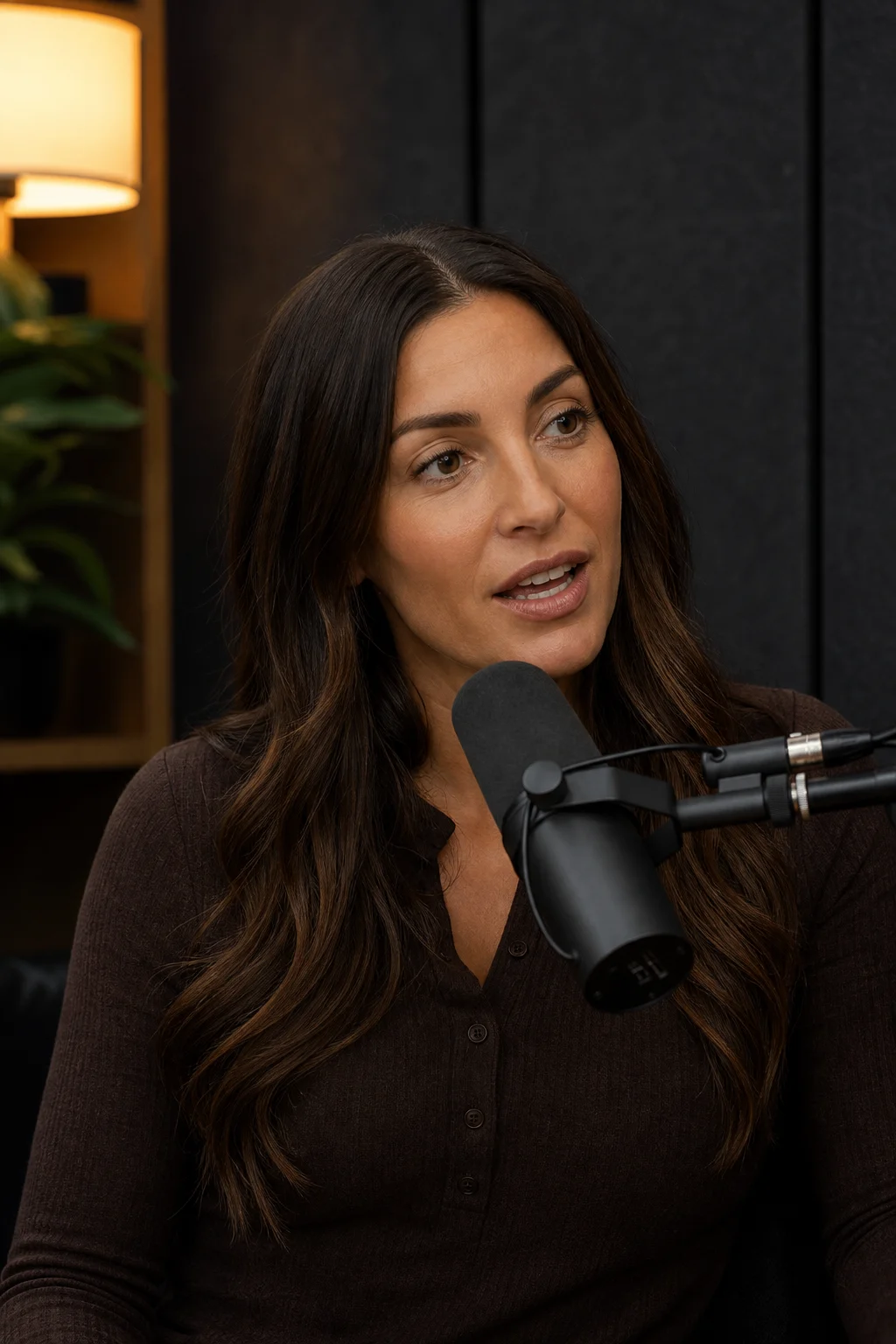
9:16 is the shape of a phone held upright: nine units wide for every sixteen tall, usually 1080 by 1920 pixels. YouTube Shorts, TikTok and Instagram Reels all show video in it. A regular 16:9 video, the shape of a TV and of most podcast recordings, shows there as a thin strip with black bars above and below.
How is a wide shot cropped to 9:16?
A 9:16 slice of a 16:9 frame keeps 32% of its width, so where the slice sits decides whether the short shows a face or a wall. ClipsMagic frames each short on the largest face in the shot, which in a podcast or an interview is the person talking to the camera.
Can I turn the whole video into 9:16?
ClipsMagic makes shorts, not a vertical copy of the whole video. It picks the moments that make sense without the rest, because a 9:16 video is watched in a feed, one short at a time. Each moment shows the five scores it was picked on: whether it stands alone, holds attention, teaches something, is fun to watch and says something new.
Which videos crop well?
One or two people in a medium shot crop well: a host at a desk, two guests on separate cameras, a speaker on a stage. A wide shot of three people around a table loses whoever sits at the edges. Screen recordings and slides lose most of their detail at a third of the width.